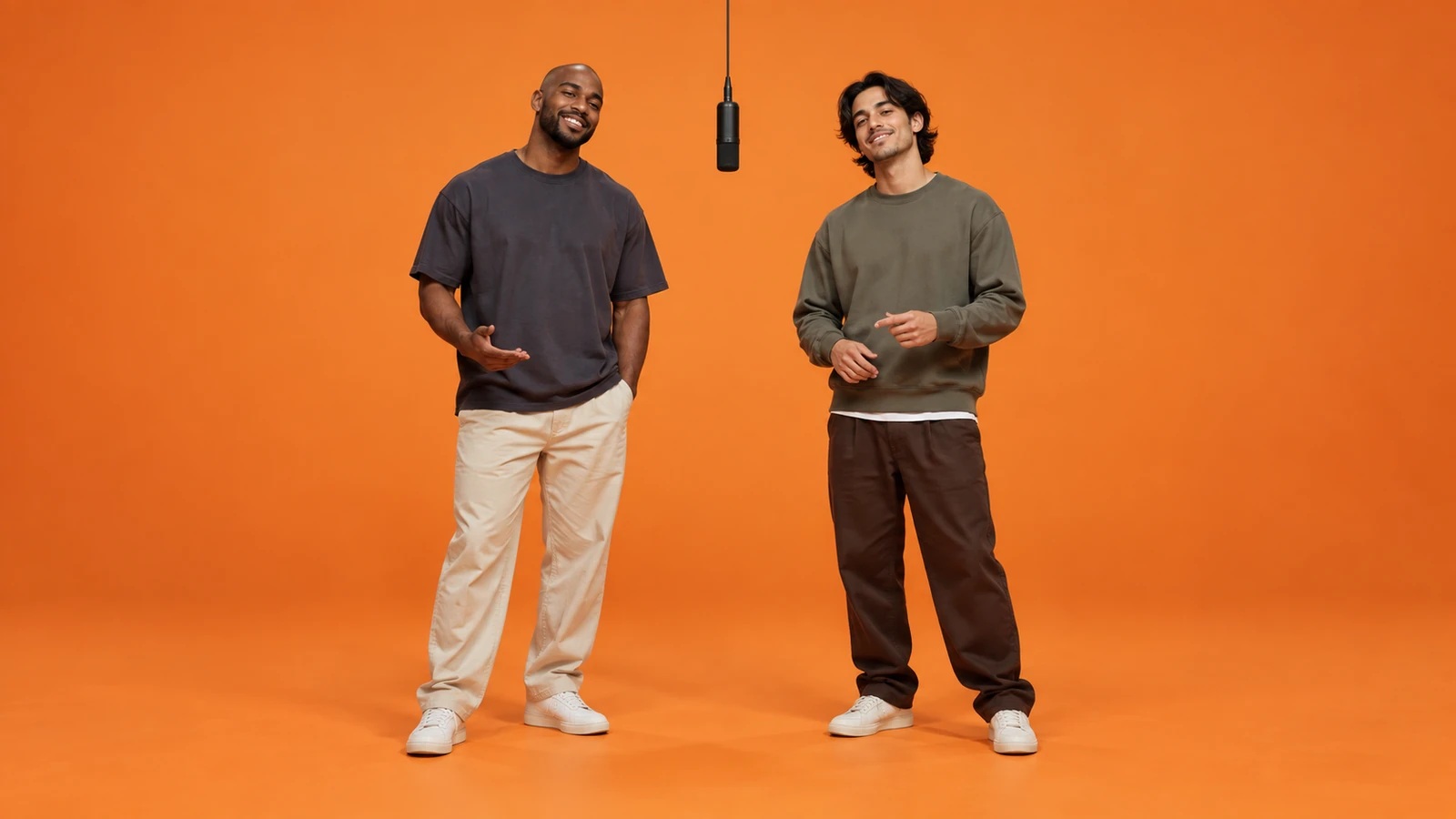
 AI concept image
Friends
A relaxed friends performance concept.
TWO PHOTOS. ONE DUO.
Turn two photos into a duo video in an orange recording booth.
Two photos, a left performer and a right performer. Create your AI video with no prompt required.
Credits are deducted when generation starts and returned if your video is not delivered.
THE POSSIBILITIES
Original AI-generated concept images. Watch the video above for an actual motion example.
AI concept imageA relaxed friends performance concept.
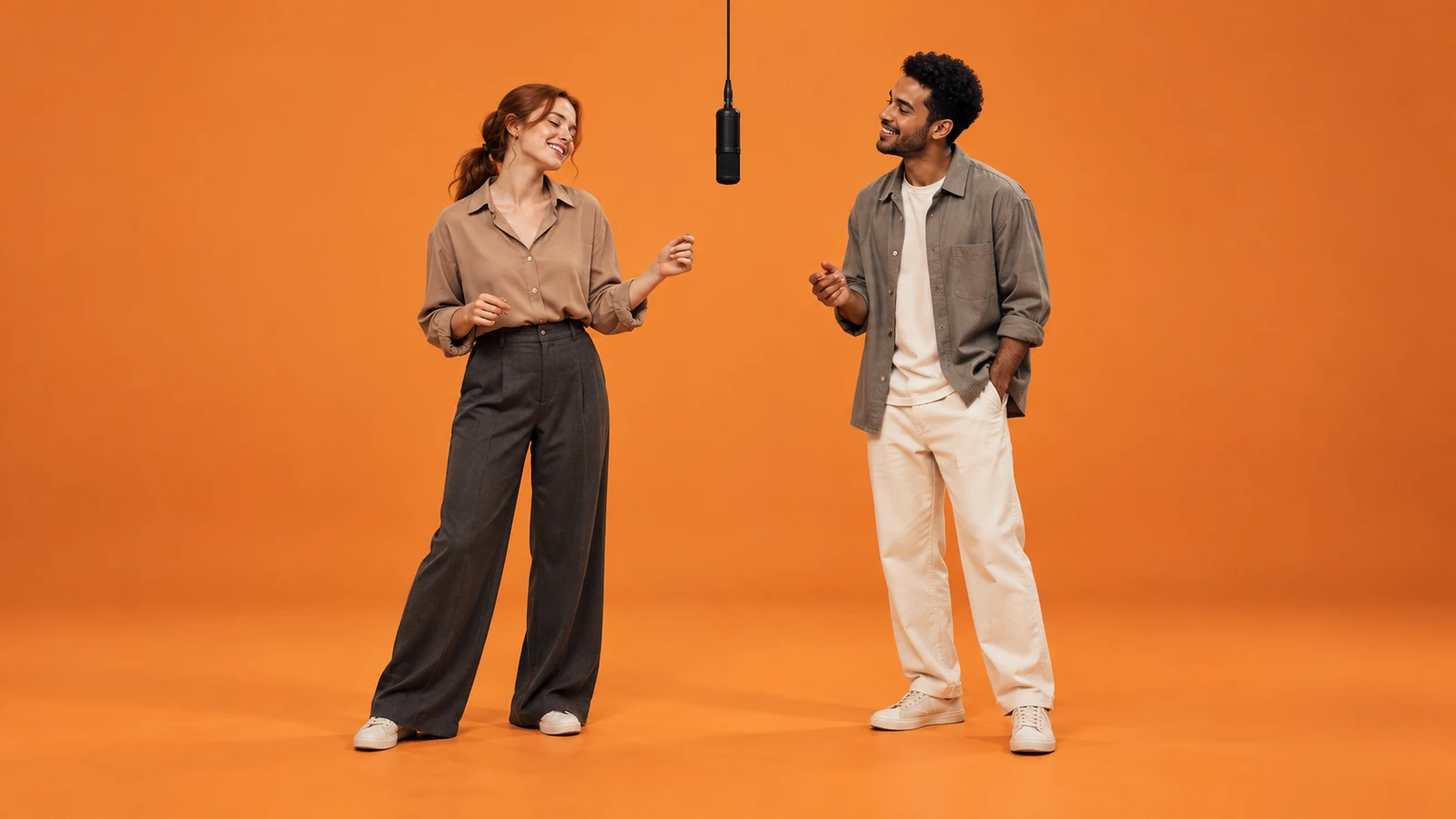 AI concept image
A duo moment, made together.
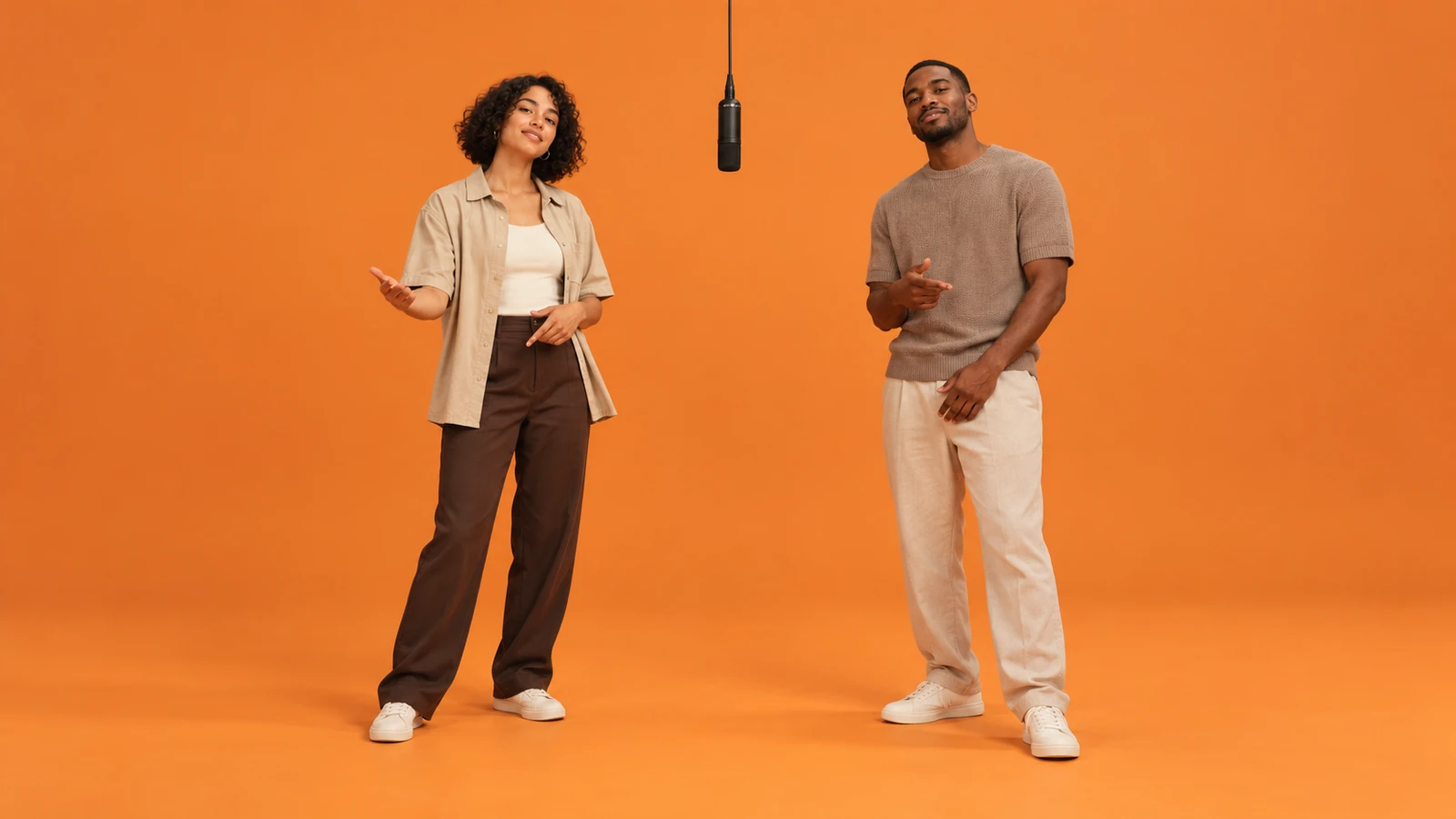 AI concept image
Share the booth with your creative partner.
FROM PHOTOS TO PERFORMANCE
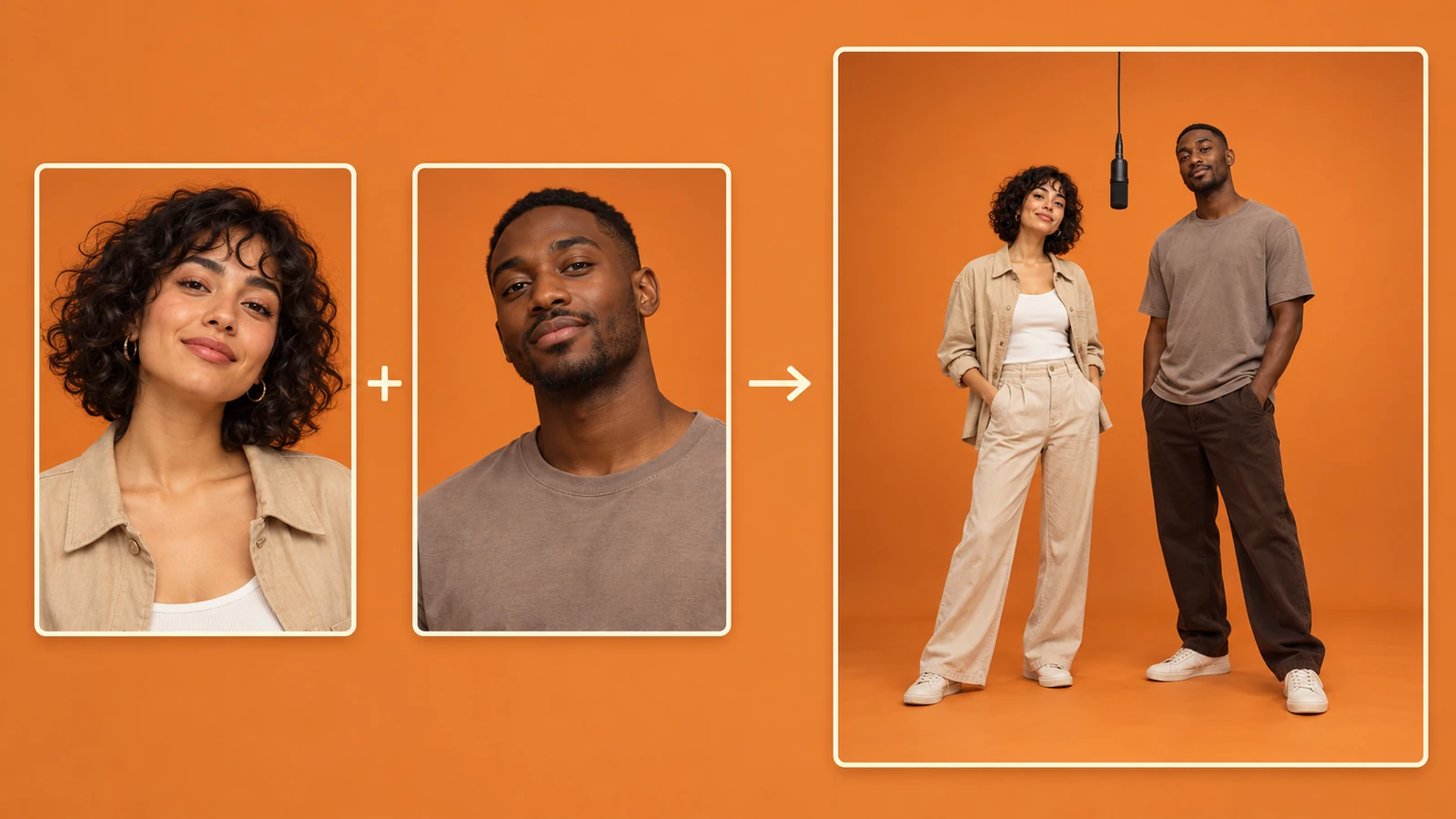
Choose two separate portraits of adults who have agreed to take part. Photo 1 = left performer; Photo 2 = right performer. Check both previews and use Swap Photos if you want the opposite order. Selecting a file only previews it in your browser; it does not start generation or send the photo to the provider.
Click Generate to turn your two portraits into a duo performance. No prompt is required: the orange booth and performance style are already set. Follow the progress on this page as your video is created. Keep your chosen photos in place while it runs, then check the result when the player appears.
Watch the entire result in the player before saving it. Check both faces, left and right placement, clothing and movement throughout the clip. Use Download Video to save the finished MP4. If the connection drops, return in the same browser to check the existing task before starting another generation.
A LITTLE PREPARATION. A BETTER DUO.
Prepare your photos before taking the stage.
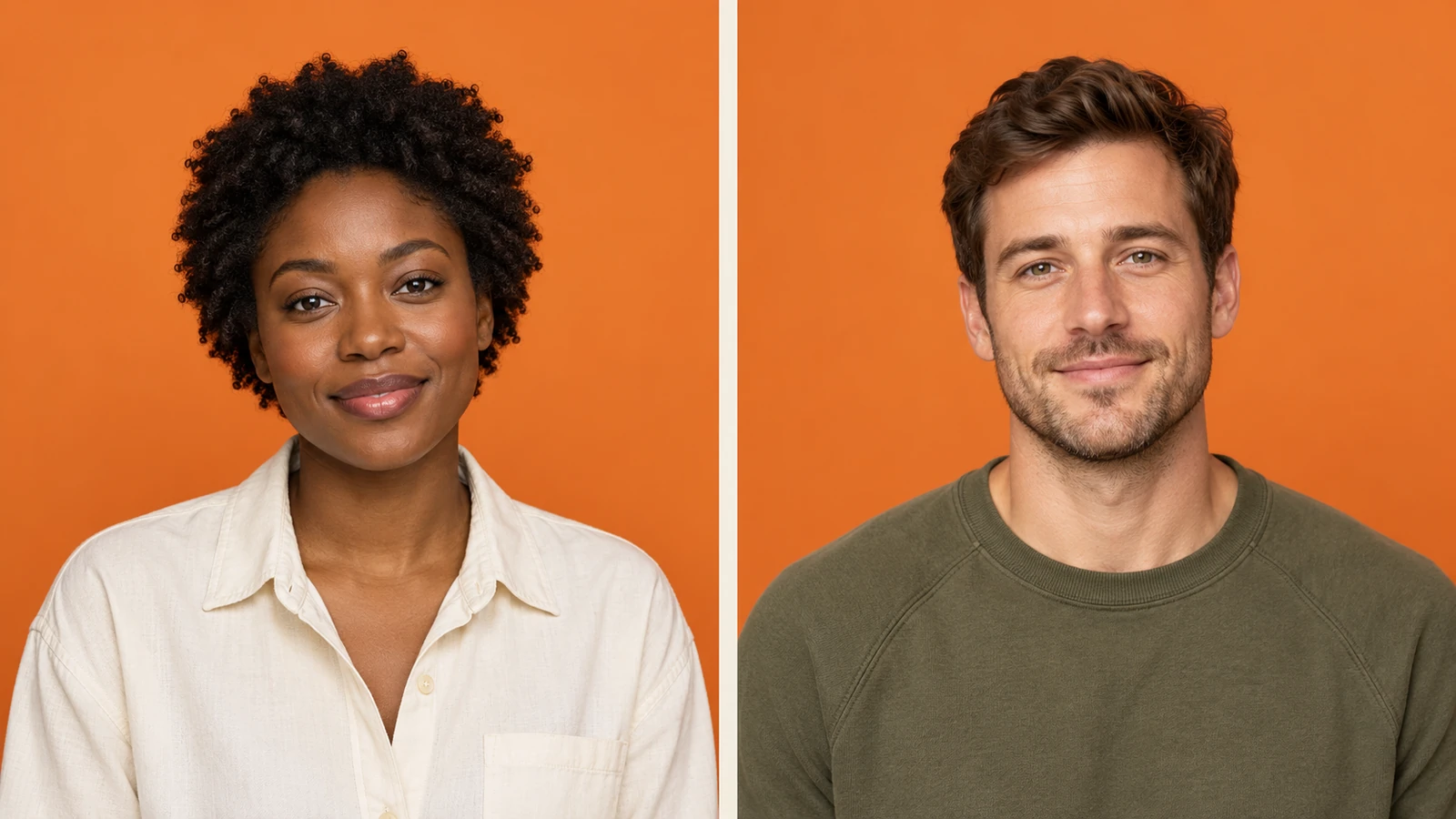
Give each input a single subject. A group photo leaves it unclear which face should become the performer. Crop away bystanders while keeping the intended person’s head and shoulders comfortably inside the frame.
Include the full hairstyle and some upper-body clothing. A tight face-only crop gives the model less information about the person’s overall look, leaving more of the outfit to be invented.
Choose your duo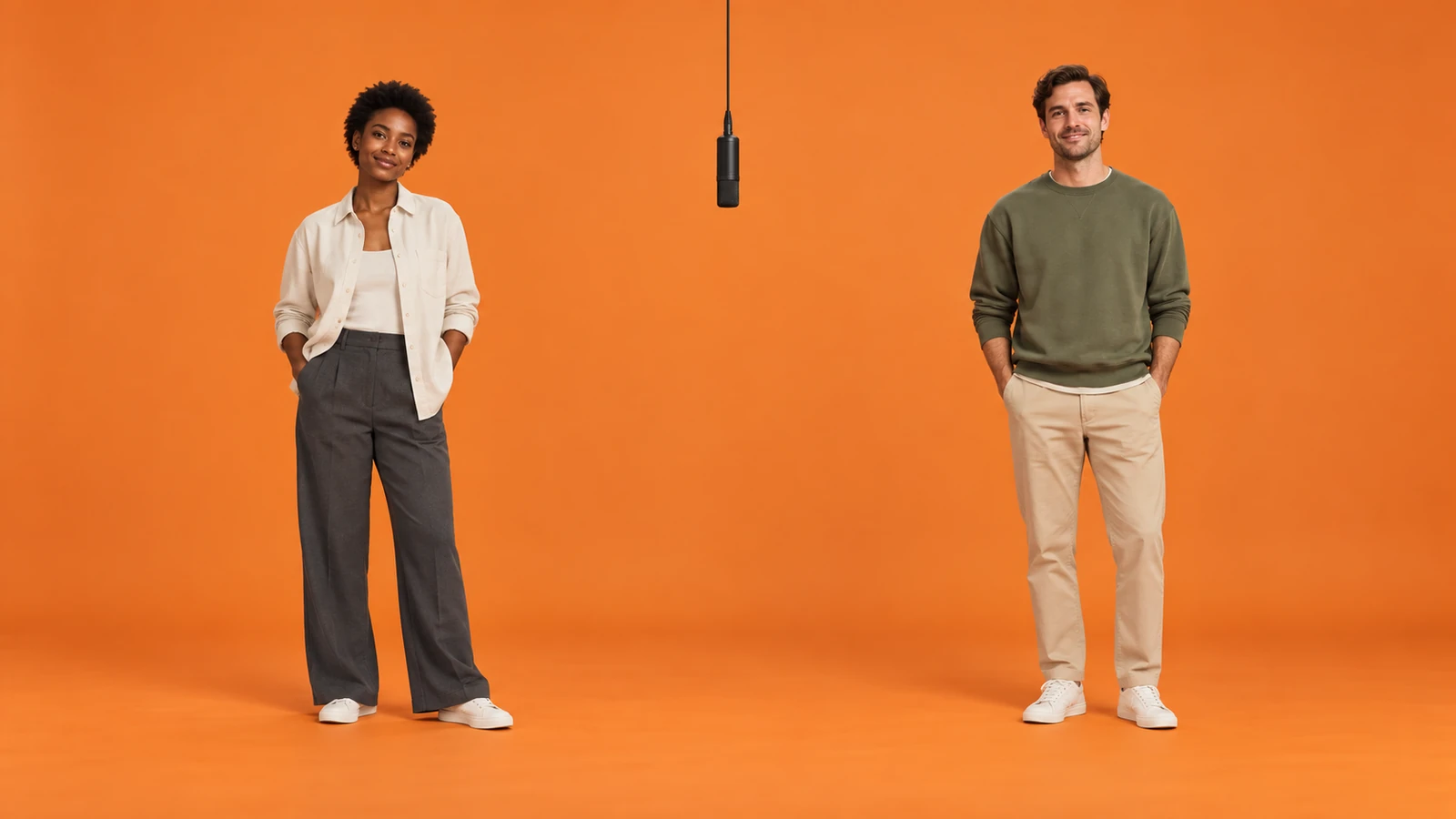
Pair two front-facing or gently angled portraits. Combining an overhead selfie with a strong side profile asks the model to infer very different views. Similar framing makes a more consistent starting point for a shared scene.
Choose two different people, with recognizable hair or clothing. This also makes it easier to spot identity mixing during review. Check the lineup: Photo 1 belongs on the left and Photo 2 on the right; Swap Photos reverses that order.
Set your lineup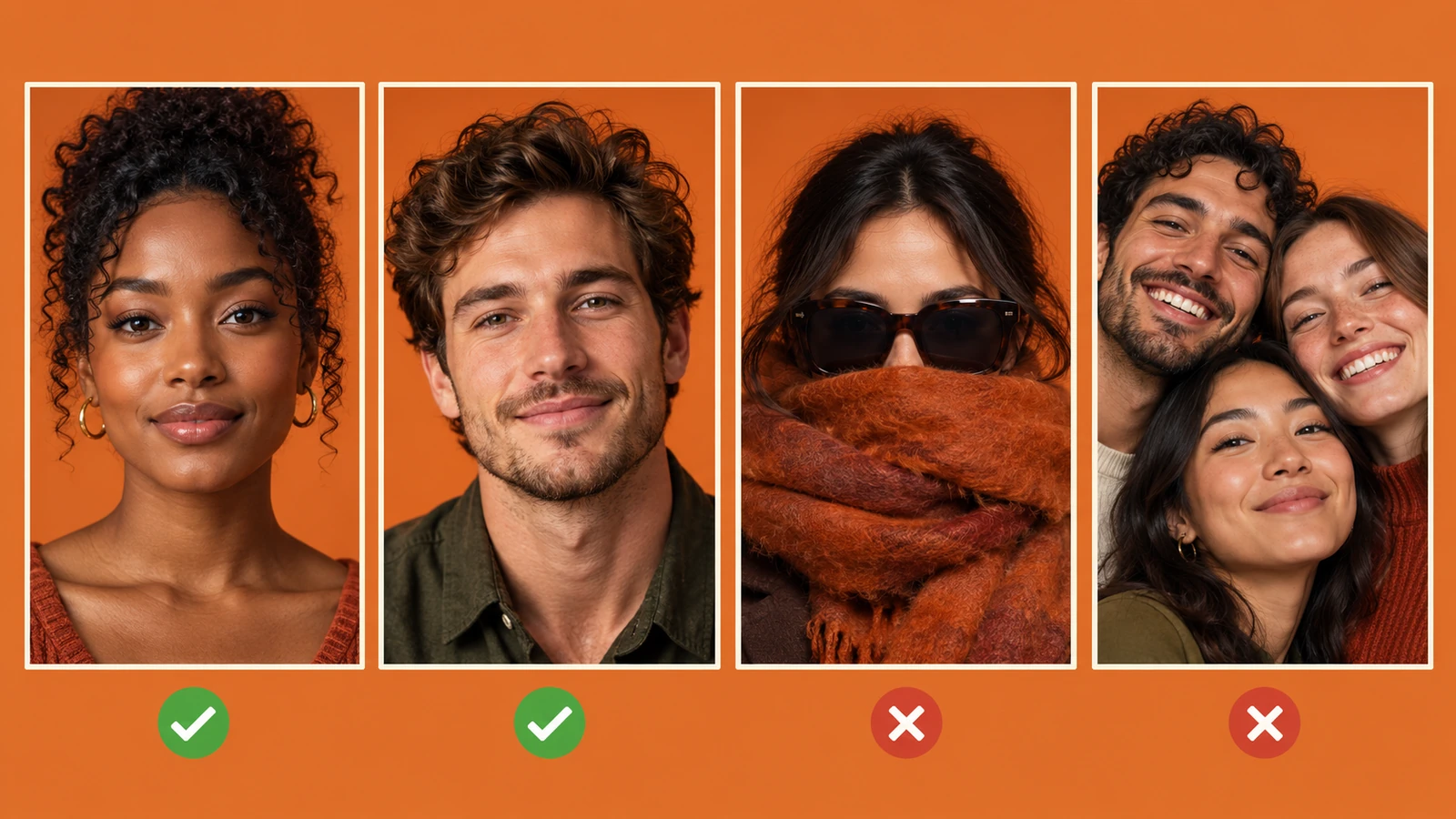
Use a sharp portrait with even light across the face. Hands, sunglasses, deep shadows and motion blur can obscure important details. Inspect at full size to catch blur hidden by thumbnails.
Pick the original photo over a heavily smoothed or reshaped version. Strong beauty effects and color casts remove natural facial detail. A clean reference is more useful than an already stylized image when you want a recognizable performer.
Start with your photosTHE FORMAT, EXPLAINED
Hotel Lobby AI is a viral AI video format recognizable by its orange studio or booth, hanging microphone and two performers sharing the frame. Its appeal is the pairing: a familiar duo appears in a setting that feels like a small recording session. The left and right performers create a conversational rhythm through gestures and reactions. Here, “hotel lobby” refers to this performance trend, rather than a hotel interior design service.
On hotel-lobby-ai.net, the starting point is two portrait photos. The first supplies the left performer and the second the right. Our fixed Hotel Lobby AI template defines the scene, so there is no prompt to write or timeline to edit. The generator first builds a shared image, then animates it into a new video. You choose the people and their order, while the template takes care of the setting and performance style.
People looking for a Hotel Lobby AI filter or a Migos AI video may be searching for this same orange-booth look. Those names help describe the inspiration, but they do not make an output an official music video. This independent tool has no affiliation with the original performers, show or brand. It does not provide the original song, and generated motion should not be mistaken for footage of a real performance.
Treat the example as a concrete reference, not a guarantee for every face. AI can change small facial details, invent clothing outside the crop or produce awkward gestures. Watch both people throughout the result before deciding to share it. Clear input photos reduce ambiguity, but they cannot guarantee exact identity or movement.
SAME LOOK, DIFFERENT PROCESS
“Hotel Lobby AI filter” usually describes the experience someone wants: choose photos and quickly get the recognizable visual effect. It is useful shorthand, especially when discovering the trend on social media. But the word filter can also suggest a simple overlay on an existing photo or clip. This website creates a new video from your portraits instead.
Hotel Lobby AI generator is the more precise description here. Your two images act as references for a newly generated scene and its motion. The system needs to infer appearance and movement, so output can vary even when the input pair stays the same. It is not pasting your faces into a supplied performance recording.
For you, the practical difference is preparation and review. Supply separate, readable portraits, confirm their order and inspect the finished clip. No prompt is required, but choosing suitable images still matters. If you arrived looking for an orange booth AI video, play the example first to see whether this particular format fits your idea.
CHOOSE YOUR PAIR
Starting points for a two-photo AI video, using consenting adults. Choose a pair with a shared story, a familiar dynamic or a sense of humor.
Choose portraits with the expressions you recognize in each other. Distinct outfits give your shared joke a clear visual pairing.
Try two portraits with similar lighting. You do not need a photo taken together to plan a shared booth appearance.
Use recent individual photos with readable faces. Similar features make distinct hairstyles and clothing especially useful for telling the pair apart.
Plan an AI duo video with your co-host or collaborator. Review both likenesses together before using it in a social post.
PRICING
Turn two photos into a duo video. Choose a plan or a one-time pack. Each video uses 300 credits.
Purchases are currently unavailable. Please check back later.
Yearly billing saves about 20%. Credits arrive monthly and do not roll over.
For occasional creations
3 videos per month
$14.90 / month
Billed monthly · Credits issued monthly
720p videos
Monthly credits expire before the next allocation.
For regular video creation
8 videos per month
$29.90 / month
Billed monthly · Credits issued monthly
720p videos
Monthly credits expire before the next allocation.
For frequent creators
20 videos per month
$59.90 / month
Billed monthly · Credits issued monthly
720p videos
Monthly credits expire before the next allocation.
Renews automatically. Cancel future renewals anytime in billing settings.
A FEW THINGS TO KNOW
YOUR TWO-PERSON TAKE
Upload two photos and create your duo video.
Start Creating